
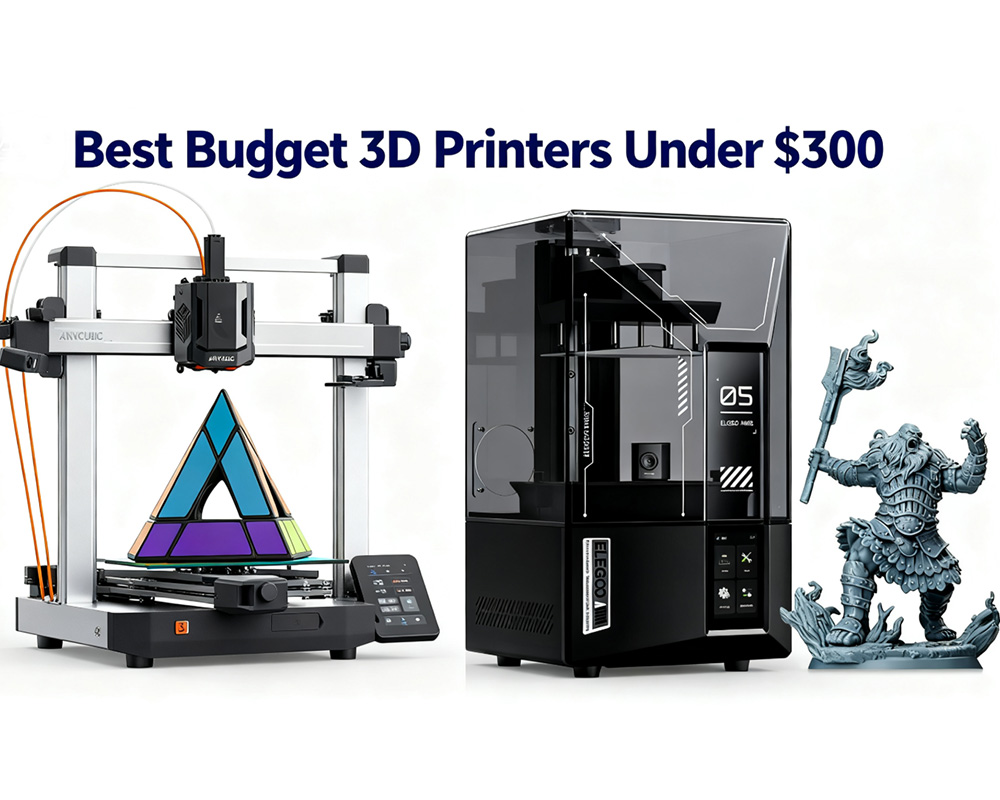
If you’re looking to start your 3D printing journey without spending a fortune, 2026 is shaping up to be a fantastic year for budget-friendly innovation. Entry-level machines are now offering features that were once exclusive to premium printers — auto bed leveling, direct-drive extruders, Wi-Fi connectivity, and even AI monitoring.
In this guide, we’ve carefully reviewed and compared five of the best budget 3D printers under $300, ideal for beginners, hobbyists, and anyone searching for affordable, high-quality performance. Each model has been selected for its balance of price, reliability, community support, and ease of use.
Whether you’re a beginner learning the ropes or a hobbyist chasing quality prints without overspending, these picks represent the best value in the budget 3D printer market for 2026.
What to Expect from a Budget 3D Printer in 2026
A few years ago, buying a cheap 3D printer often meant frustration: constant bed leveling, poor adhesion, and endless calibration. In 2026, that’s no longer the case. Thanks to rapid innovation, budget printers now deliver professional-level performance for a fraction of the price.
Here’s what you can reasonably expect from a 3D printer under $300 today:
- Auto or assisted bed leveling: Once a premium feature, now common even in entry-level printers.
- Direct-drive extruders: Improved filament control, especially with flexible filaments like TPU.
- Better speed and motion systems: Modern machines often reach 200–250 mm/s, though real-world print quality still depends on tuning.
- Improved interfaces: Touchscreens, USB or Wi-Fi connectivity, and beginner-friendly UIs.
- Larger print volumes: Most budget-friendly 3D printers offer around 220 × 220 × 250 mm build areas.
- Resin options for detail-focused users: Resin printers under $300 are now viable for miniature and model printing.
Still, there are compromises. You won’t get industrial-grade precision, heated chambers, or huge build volumes. But for most users — especially beginners and hobbyists — today’s budget printers are a perfect balance between affordability and functionality.
Top 5 Best Budget 3D Printers Under $300 (2026 Edition)
Below, we review five of the most impressive and reliable options on the market this year:
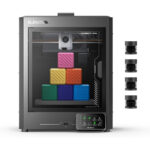
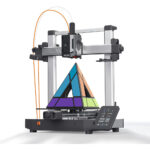

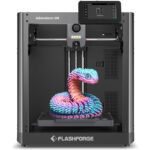
Creality Ender 3 V3 SE — The Proven All-Rounder
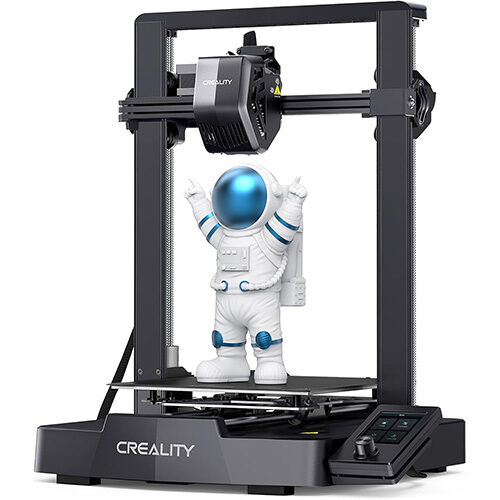
Creality Ender 3 V3 SE
Suitable For
- Beginners who want an easy introduction to 3D printing with room to learn and experiment.
- Budget-conscious hobbyists seeking a reliable all-rounder.
- Tinkerers who enjoy upgrades and community-driven mods.
- Users printing mostly PLA or PETG who don’t need enclosure-based temperature control.
Verdict
If you’re buying your first 3D printer under $300, the Ender 3 V3 SE remains the benchmark for affordable performance. It’s simple, flexible, and endlessly customizable — the very definition of a budget-friendly 3D printer.
ELEGOO Centauri Carbon — The Enclosed Speed Demon
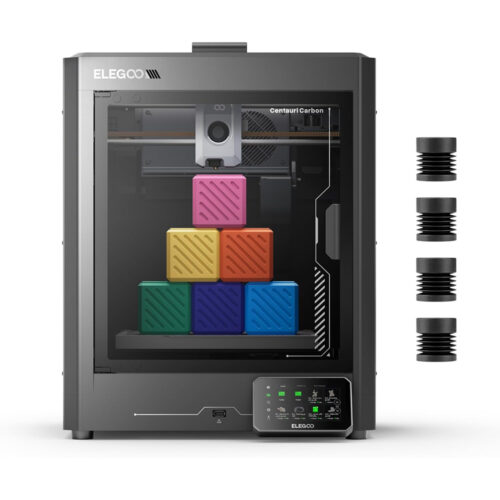
ELEGOO Centauri Carbon
Suitable For
- Intermediate users who’ve outgrown entry-level printers.
- Makers printing PETG or ABS who need thermal stability.
- Users who value enclosure and quiet operation.
- Anyone willing to fine-tune settings for maximum performance.
Verdict
The ELEGOO Centauri Carbon is arguably the most advanced affordable 3D printer for hobbyists under $300. With its enclosed design, precise motion, and modern feature set, it’s ideal for users who want more control and cleaner results.
Anycubic Kobra 3 V2 — Smarter Printing on a Budget
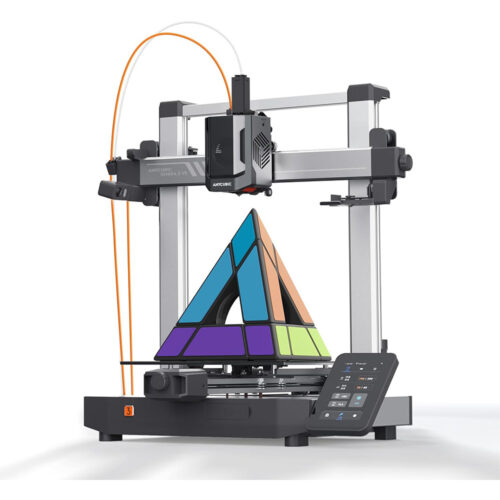
Anycubic Kobra 3 V2
Suitable For
- Tech-savvy hobbyists who love experimenting with new features.
- Users who want automation and AI tools in a budget 3D printer.
- Tinkerers looking to upgrade components and personalize performance.
- People printing larger models who don’t want to exceed $300.
Verdict
For those who want an affordable 3D printer that feels futuristic, the Kobra 3 V2 delivers. It’s packed with smart features, automation, and flexibility — making it one of the most cheap 3D printers with good quality 2026 can offer.
ELEGOO Mars 5 Ultra — Best Budget Resin Printer
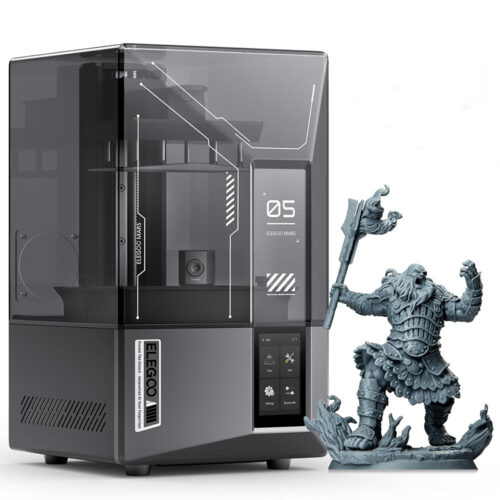
ELEGOO Mars 5 Ultra
Suitable For
- Miniature and model makers.
- Artists, jewelers, and designers needing fine surface detail.
- Tabletop hobbyists printing miniatures or collectibles.
- Users comfortable with post-processing workflows.
Verdict
If your focus is precision, not size, the ELEGOO Mars 5 Ultra is easily the best 3D printer for miniatures under $300. It offers near-professional resin printing at a hobbyist-friendly price — a dream come true for creators.
Flashforge Adventurer 5M — Best for Beginners
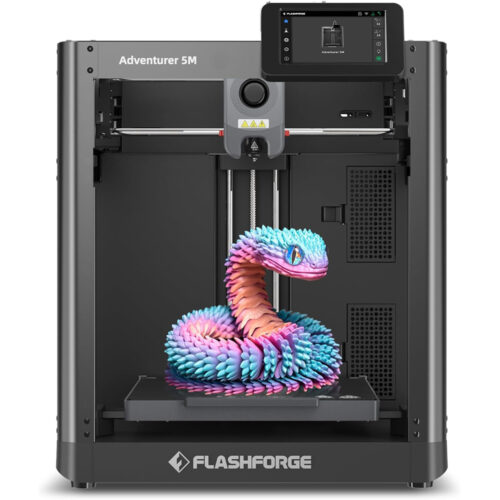
Flashforge Adventurer 5M
Suitable For
- Absolute beginners seeking hassle-free printing.
- Schools, libraries, and makerspaces prioritizing safety and reliability.
- Users who print standard materials (PLA, PETG).
- Anyone wanting a set-it-and-forget-it machine.
Verdict
For pure ease of use, the Flashforge Adventurer 5M is hard to beat. It’s not the most customizable, but it’s the most dependable best 3D printer for beginners under $300 — perfect for education or plug-and-play users.
Summary Comparison: Which Budget 3D Printer Fits You Best?
| Printer | Strengths | Best For |
|---|---|---|
| Creality Ender 3 V3 SE | Proven reliability, large community, low price | Beginners, hobbyists, tinkerers |
| ELEGOO Centauri Carbon | Enclosed design, stable Core-XY motion | Intermediate users, PETG/ABS printing |
| Anycubic Kobra 3 V2 | AI tools, fast leveling, upgrade potential | Tech-savvy users, tinkerers |
| ELEGOO Mars 5 Ultra | High-detail resin printing | Artists, modelers, miniature makers |
| Flashforge Adventurer 5M | Plug-and-play, beginner friendly | Schools, beginners, shared spaces |
Buying Guide: How to Choose the Right Budget 3D Printer
When evaluating an affordable 3D printer, think about what you plan to create, your workspace, and your technical comfort level.
1. Printing Type: FDM vs. Resin
- FDM (filament): More versatile, cheaper materials, larger prints.
- Resin (MSLA): Unmatched detail and surface finish but requires post-processing.
If you’re new, start with FDM. If you’re into miniatures or jewelry, go resin.
2. Build Volume
A 220 × 220 × 250 mm print area is enough for most users. Only choose larger volumes if you regularly print big models.
3. Ease of Use
Auto bed leveling, touchscreen controls, and reliable adhesion surfaces make life much easier for beginners.
4. Filament Support
Ensure compatibility with PLA, PETG, and TPU. If you want ABS or nylon, an enclosed printer like the Centauri Carbon is a better pick.
5. Community Support
Printers like the Ender 3 V3 SE thrive because of their huge online community. For modders and learners, that’s invaluable.
3D Printer Under $300 Frequently Asked Questions (FAQ)
Final Verdict: The Best Budget 3D Printers of 2026
For under $300, you now have options that would’ve cost twice as much just a few years ago. Whether you prioritize reliability, innovation, or surface quality, there’s a perfect printer for you.
- Best Overall Value: Creality Ender 3 V3 SE
- Best Enclosed Performer: ELEGOO Centauri Carbon
- Best Smart Printer: Anycubic Kobra 3 V2
- Best for Detail: ELEGOO Mars 5 Ultra
- Best for Beginners: Flashforge Adventurer 5M
These five models redefine what a budget 3D printer can do in 2026 — combining affordability, accessibility, and performance in ways that empower anyone to bring their ideas to life.