
Choosing a 3D printer today is more challenging than ever. The market is saturated with options that claim speed, precision, automation, or affordability—but few machines truly succeed at delivering all of these qualities consistently. The Bambu Lab P1S is one of the rare exceptions. It has quickly gained a reputation for being fast, beginner-friendly, highly automated, and performance-driven.
But does it actually live up to the hype?
Is the Bambu Lab P1S genuinely a good printer—or does it simply benefit from a moment of trend-driven enthusiasm?
This comprehensive analysis takes a deep, balanced, and professional look at the P1S from every angle: engineering, print quality, workflow efficiency, materials, reliability, and value. Whether you’re a hobbyist, professional engineer, product developer, or small business owner, this guide will help you decide whether this machine belongs in your workspace.
If you want a more focused deep dive later, you can check out our dedicated Bambu Lab P1S Review.
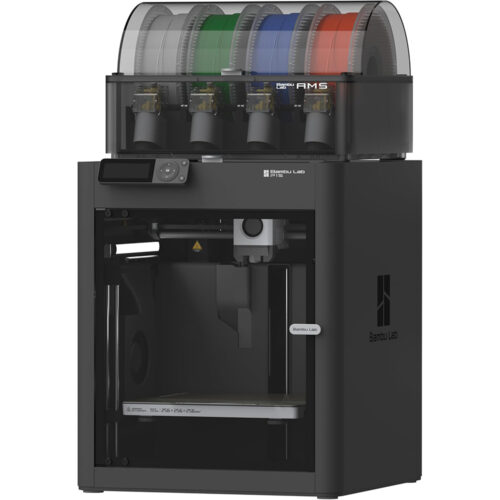
Bambu Lab P1s 3d Printer Reviews
1. Overview: What the Bambu Lab P1S Is Designed to Be
The Bambu Lab P1S is the upgraded, enclosed version of the widely praised P1P platform. It shares the same high-speed motion system, automatic calibration suite, and general workflow as the flagship X1-Carbon—minus the more advanced AI capabilities and high-end sensors.
In other words, the P1S is designed as:
- A high-performance CoreXY printer
- A machine with reliable automation
- A printer with an enclosure for better temperature control
- A middle-tier option between the beginner-friendly P1P and professional-tier X1-Carbon
The P1S is aimed at users who want:
- High speed without setup headaches
- Better material flexibility than open-frame printers
- Print consistency for functional parts
- A more protected, stable thermal environment
- A dependable machine that prints well out of the box
It is not designed to be a budget beginner printer or a heavily mod-focused machine. The P1S is a performance workhorse, and Bambu Lab built it to behave like one.
2. Build Quality and Engineering: What’s Behind Its Performance
The P1S’s physical and mechanical design is one of the biggest contributors to its reputation. Its frame and engineering principles follow those used in professional CoreXY printers costing several times more.
2.1 CoreXY Motion Architecture
A CoreXY motion system is inherently superior for high-speed printing because:
- The motors remain stationary
- The print head is lightweight
- Motion forces are distributed more efficiently
- Ringing is reduced at high accelerations
Compared with typical i3 Cartesian printers, the P1S’s motion stability stands out immediately.
2.2 20,000 mm/s² Acceleration Capability
The P1S can accelerate dramatically faster than most hobby printers. Combined with intelligent vibration compensation, speed does not significantly degrade print quality. Bambu Lab couples this acceleration with:
- Lightweight custom toolhead
- Stiff frame
- Effective input shaping
This engineered synergy is the reason the P1S can print faster than nearly all printers in its price category.
2.3 High-Quality Extruder and Hotend
The P1S extruder features:
- Strong gear-driven grip
- High filament torque
- Smooth extrusion behavior
- Very responsive retraction
The hotend can reach 300°C, enabling materials such as:
- ABS
- ASA
- Nylon
- Polycarbonate blends
- Carbon-fiber and glass-fiber reinforced filaments
It is versatile enough for real functional parts. While the hotend is not all-metal in the way some boutique models are, it performs well for the materials it supports.
2.4 Full Enclosure for Thermal Stability
The P1S’s enclosed chamber is one of its biggest advantages. Enclosures are essential for:
- Preventing ABS part warping
- Maintaining internal temperature
- Protecting the print from drafts
- Improving dimensional accuracy
- Consistency in multi-hour or multi-day prints
In comparison, open-frame printers are far more susceptible to environmental variability.
3. Print Quality: Professional-Level Output in a Compact Package
There is no question that the P1S produces excellent prints. The key is consistency: you don’t have to tweak settings endlessly to get good results.
3.1 Dimensional Accuracy
Dimensional accuracy on the P1S is typically within ±0.1 mm, often better when using high-quality filaments. This level of accuracy makes the P1S appropriate for:
- Mechanical prototypes
- Snap-fit parts
- Engineering test models
- Jigs and fixtures
- Hobby components requiring precision
The printer is particularly strong in repeatability—each print of the same part aligns extremely closely to previous ones.
3.2 Surface Quality
Surface finish is one of the areas where Bambu Lab printers tend to outperform similarly priced competitors.
The P1S produces:
- Minimal z-banding
- Low ghosting
- Very clean corners
- Smooth exterior walls
- Very consistent line stacking
Even fast prints look like slow prints from older machines.
3.3 Support Material and Overhang Performance
The machine’s cooling system allows it to handle:
- 45° overhangs effortlessly
- 60° overhangs surprisingly cleanly
- Complex geometries with minimal sag
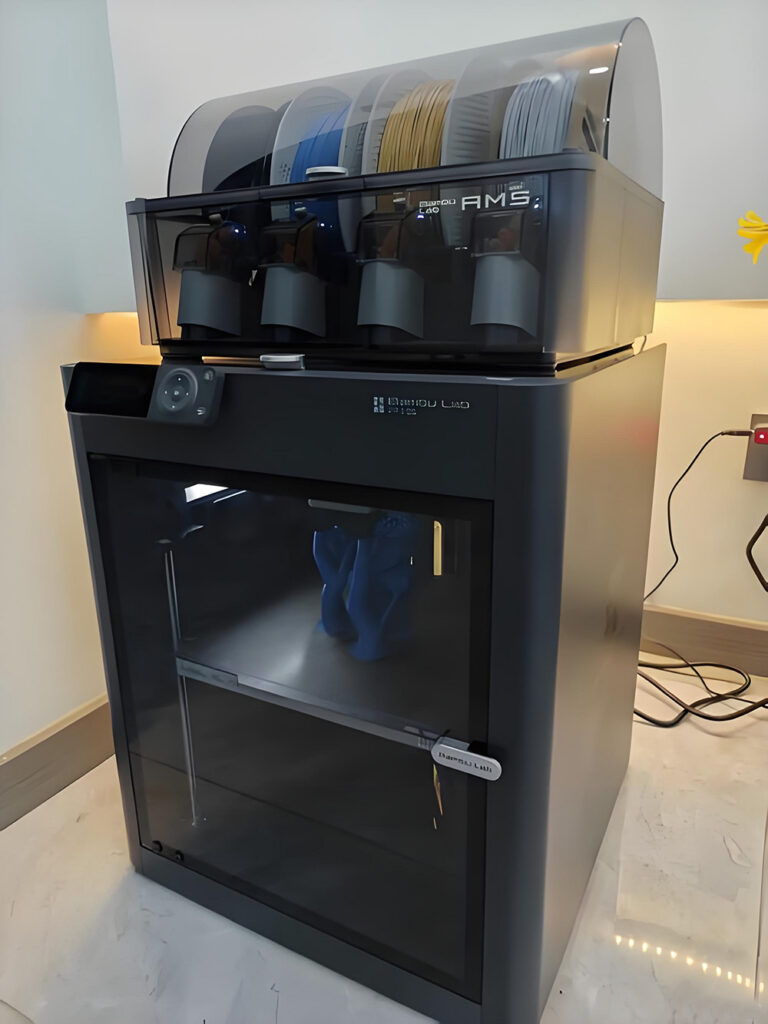
The AMS (optional) allows dissolvable supports or breakaway materials, which further improves surface quality for complex parts.
4. Workflow and Automation: How Easy Is the P1S to Use?
Ease of use is another reason the P1S stands out.
4.1 Fully Automated Bed Leveling
The P1S performs:
- Bed mesh scanning
- Nozzle height calibration
- Resonance compensation
… without user involvement. The machine calibrates itself before every print.
4.2 Slicer Integration (Bambu Studio)
Bambu Studio is:
- Clean
- Efficient
- Fast
- Fully integrated with machine automation
The slicing presets work remarkably well out of the box.
4.3 Remote Control and Monitoring
Through the Bambu Handy app, users can:
- Monitor prints in real time
- Receive alerts
- Stop prints remotely
- View live video feed
Remote workflow is one of the best available in consumer 3D printing.
4.4 Minimal Setup Required
Within 15–20 minutes of unboxing, the P1S can be printing its first part. This is not a machine that requires hours of tuning.
5. Speed: The P1S Is Built to Be Fast
Speed is one of the biggest selling points of the P1S. Even in standard mode, it prints at speeds that would have been considered extreme only a year prior.
5.1 Real-World Speed (Not Marketing Speed)
Typical speeds users achieve:
- 250–300 mm/s on functional parts
- 400+ mm/s on decorative parts
- 100–200 mm/s on high-detail models
These speeds are achievable without quality degradation that makes prints unusable.
5.2 Fast Without Sacrificing Quality
The combination of:
- Input shaping
- Vibration analysis
- Precise mechanical tolerances
…allows the P1S to retain detail at speeds where many other printers fail.
Bambu Lab P1s 3d Printer Reviews
6. Materials: How Versatile Is the P1S?
One of the P1S’s standout features is its ability to handle high-performance materials.
Supported Materials Include:
- PLA
- PETG
- TPU
- ABS
- ASA
- PA (Nylon)
- PC blends
- Carbon fiber and glass fiber composites (with hardened nozzle)
Enclosure Advantage
The enclosure significantly improves success with ABS, ASA, and nylon—materials that are notoriously finicky on open-frame printers.
7. Reliability and Maintenance
The P1S is engineered to run reliably with minimal maintenance.
7.1 Long-Term Reliability
Users typically report:
- Months of printing with no major issues
- Minimal mechanical failures
- Consistent print performance
- Very low downtime
The machine’s robust core makes it well-suited for continuous printing.
7.2 Easy Maintenance Tasks
Most maintenance involves:
- Cleaning the nozzle
- Occasional lubrication
- Belt tension checks
- Replacing consumable parts
Bambu Lab’s ecosystem also provides easy access to replacement components.
8. Noise Levels
The P1S is not silent, but it is quieter than many high-speed CoreXY printers. Noise comes primarily from:
- High-speed fans
- Stepper activity during fast accelerations
Enclosure panels help dampen noise to acceptable levels for office or home printing.
9. Software and Ecosystem: Strong Integration
Bambu Lab is not just a hardware company—it offers a tight ecosystem.
9.1 Bambu Studio
The slicer is updated frequently and has:
- Preset profiles for common materials
- Excellent support generation
- Seamless Wi-Fi connectivity
- Sync with the Bambu cloud
9.2 Bambu Handy Mobile App
The app is one of the most polished in the industry. It provides:
- Real-time camera feed
- Print pause/stop
- Notifications
9.3 AMS (Automatic Material System)
The AMS is optional but powerful. It enables:
- Multi-color prints
- Multi-material prints
- Auto filament swapping
- Humidity-controlled storage
For prototyping and product visualization, the AMS is a valuable tool.
10. Downsides and Limitations
No printer is perfect, and the P1S does have limitations.
10.1 Limited Modding
If you enjoy heavily modifying printers, the P1S ecosystem is less mod-friendly than open-source machines.
10.2 Ecosystem Dependence
Bambu Lab printers work best using:
- Bambu Studio
- Bambu Cloud
- Bambu components
The ecosystem is polished, but less open.
10.3 Proprietary Elements
Certain parts require OEM replacements, which some users dislike.
10.4 Camera Quality
The integrated camera is useful for monitoring but does not deliver high-resolution footage.
11. Who Should Buy the Bambu Lab P1S?
The P1S is an outstanding fit for:
✔ Product designers and engineers
Who need fast-turnaround prototypes with high dimensional accuracy.
✔ Small businesses
Particularly those producing functional parts or prints for customers.
✔ Hobbyists who want reliability
Users who prefer printing over troubleshooting will love it.
✔ Educators and labs
Where consistency and speed matter more than tinkering.
12. Who Should Not Buy the P1S?
The P1S may not be ideal for:
❌ Heavy modders
Open-source printers offer more customization.
❌ Ultra-budget buyers
There are cheaper entry-level printers for learning the basics.
❌ Users who want extreme high-temperature polymers
PEEK, PEI, PPSU, and other advanced polymers require specialized industrial machines.
13. Final Verdict: Is the Bambu Lab P1S a Good Printer?
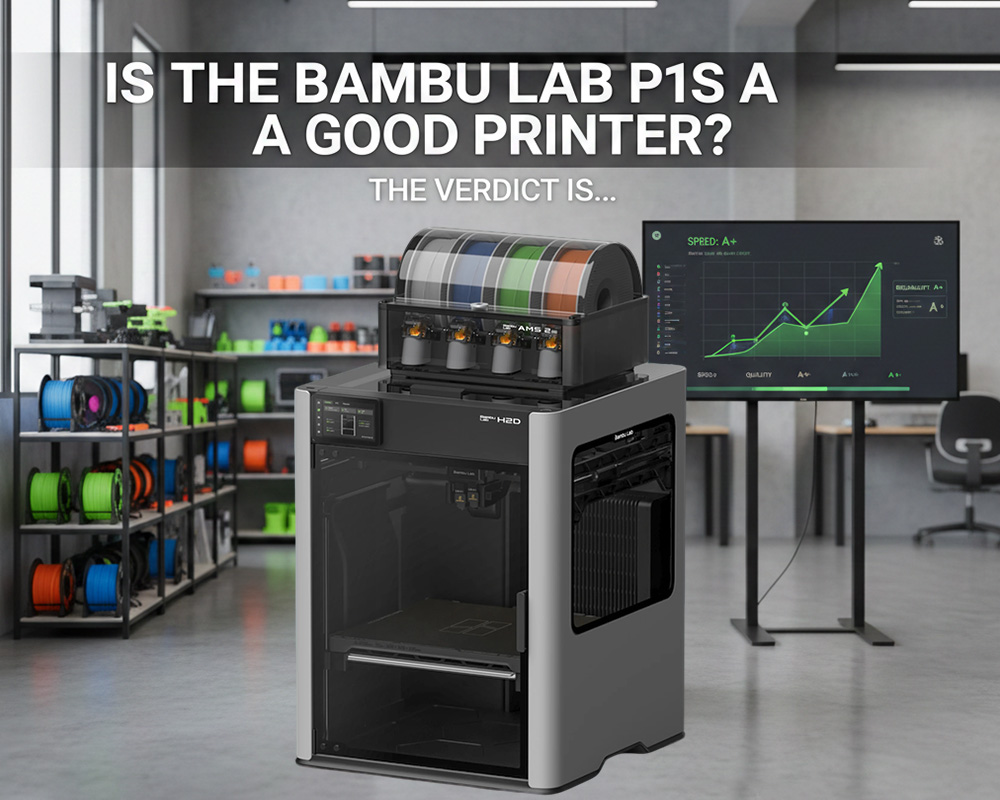
Yes—the Bambu Lab P1S is an excellent printer, arguably one of the best mid-range CoreXY printers available today.
Why it stands out:
- Exceptional speed
- Outstanding print quality
- Strong reliability
- Enclosed chamber for advanced materials
- Excellent automation
- Minimal setup
- Best-in-class workflow experience
It succeeds in bridging the gap between consumer convenience and professional capability. For most users—hobbyists, engineers, small businesses—the P1S delivers tremendous value and transforms the 3D printing experience into something streamlined, predictable, and genuinely enjoyable.
Bambu Lab P1s 3d Printer Reviews
Frequently Asked Questions (FAQs)
1. Is the Bambu Lab P1S good for beginners?
Yes. It offers automated calibration and an easy setup process. Even beginners can achieve professional-quality prints quickly.
2. How fast is the P1S compared to other printers?
It is significantly faster. Real-world speeds of 250–300 mm/s are common without sacrificing quality.
3. Can the P1S print ABS, ASA, and nylon?
Yes. The enclosed chamber greatly improves success rates with temperature-sensitive filaments.
4. Does the P1S require much maintenance?
No. Regular cleaning, lubrication, and occasional consumable replacements are enough.
5. Is the AMS necessary?
Not necessary—but extremely useful if you want multi-color or multi-material capabilities.
6. Does the P1S compete with the X1-Carbon?
The P1S lacks some advanced sensors and AI inspection features, but print quality is very close. Many users prefer the P1S for its price-to-performance ratio.
7. Is the P1S worth the price?
For users who value speed, reliability, enclosure benefits, and strong automation, the P1S is absolutely worth it.